 LLM Browserbrowser automation bridge
LLM Browser
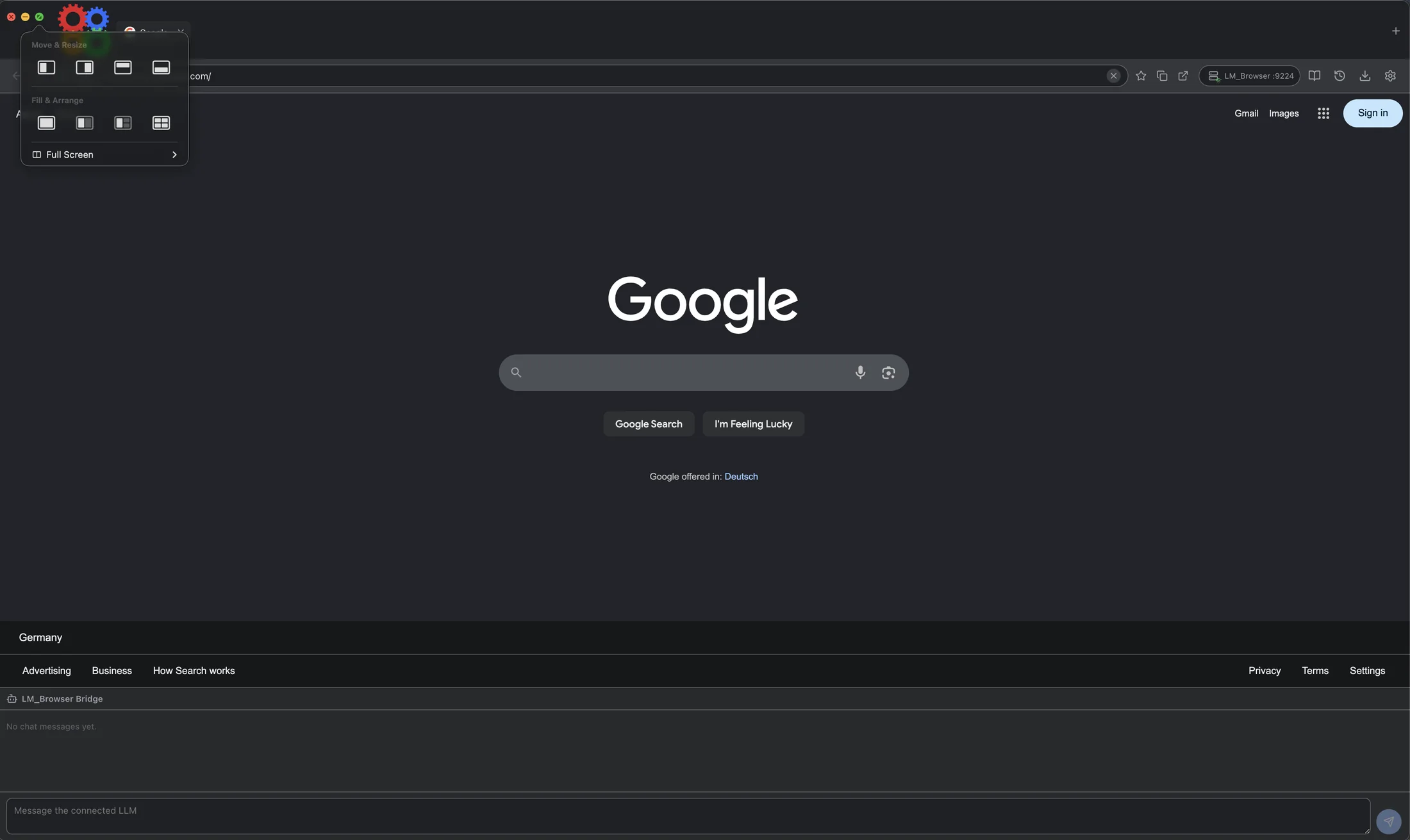
A Chrome-like desktop browser built to be driven by humans and LLMs. Browse normally, then let an AI agent navigate, click, fill forms, inspect pages, take screenshots, and report back through a visible bridge panel with vertically resizable prompt and chat areas.
A local browser control surface for AI agents.
LLM Browser exposes browser actions as JSON-RPC tools while preserving a normal browser interface for the person supervising the work.
LLM-user bridge
The AI works in the browser you can see.
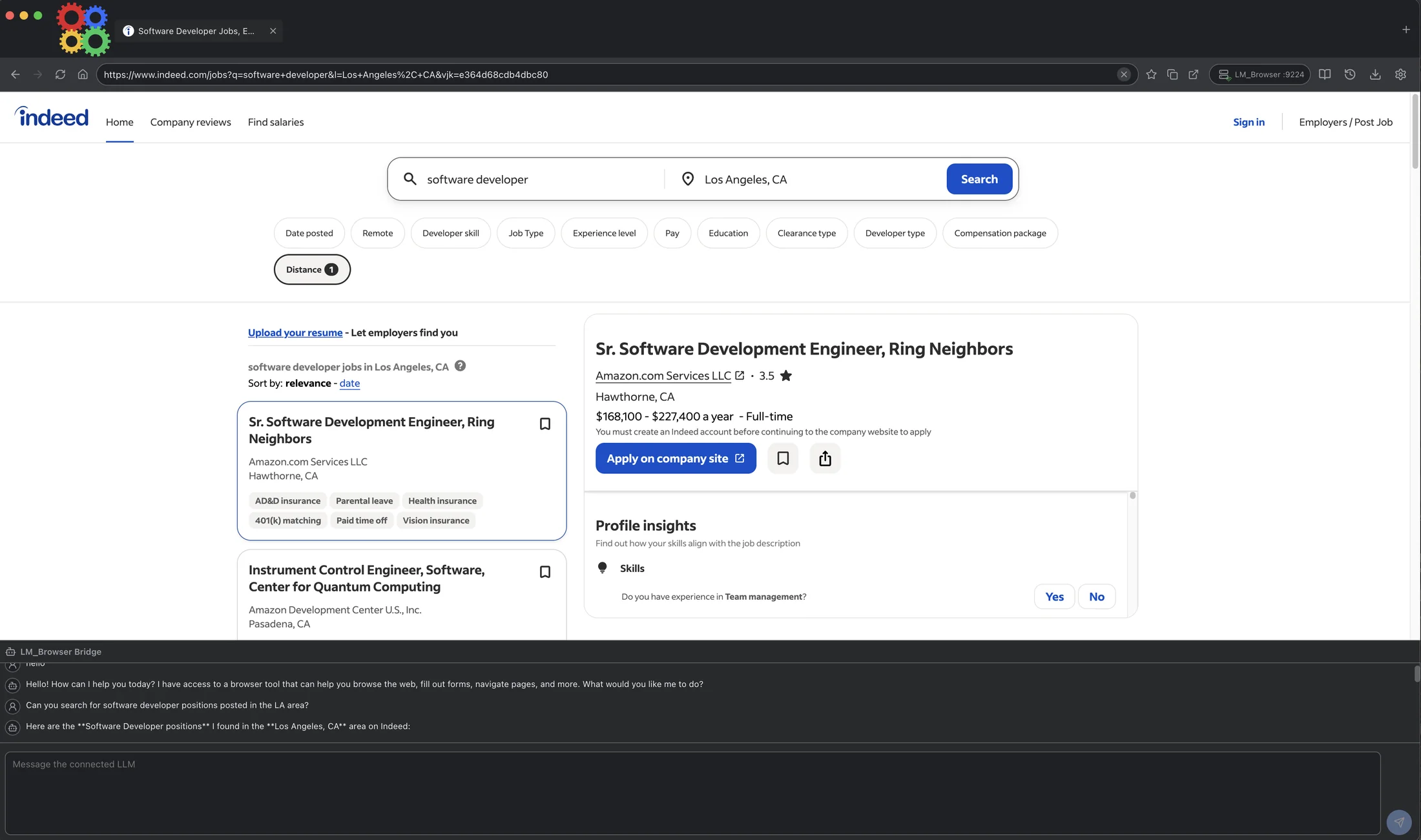
The bridge panel keeps conversation, tool output, and browser state in the same window, so automation is observable instead of hidden in a remote session.
Human browsing stays intact
Tabs, address bar, bookmarks, history, downloads, settings, and dark/light themes behave like a familiar desktop browser.
Agents get tool access
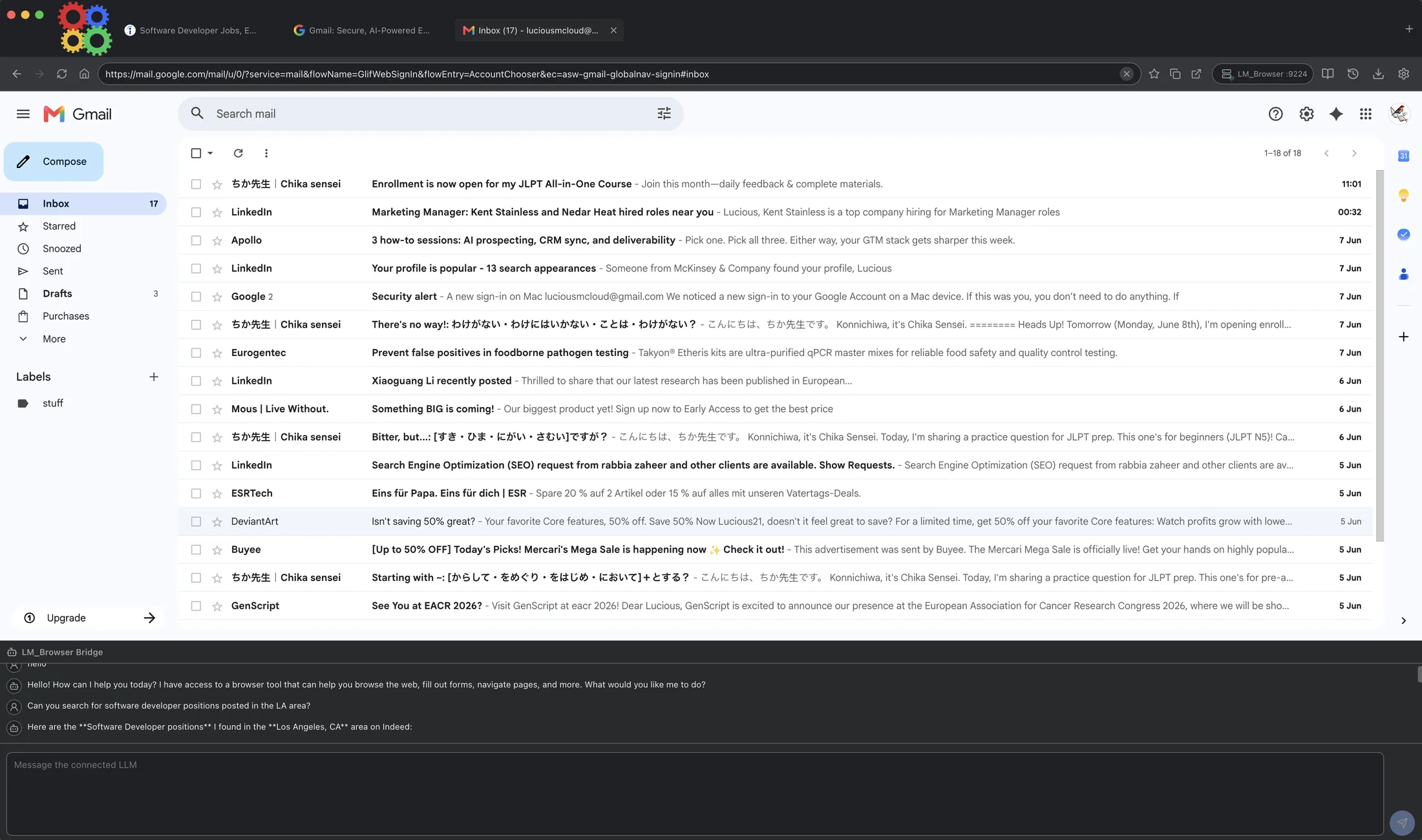
LLMs can navigate, click selectors, fill fields, execute JavaScript, read page content, scroll, manage cookies, and switch tabs.
Supervision remains visible
The chat bridge shows prompts and assistant responses while the browser itself stays front and center, with vertical resizing for both the prompt box and LLM-user chat box.
Connection modes
Use the model route that fits the task.
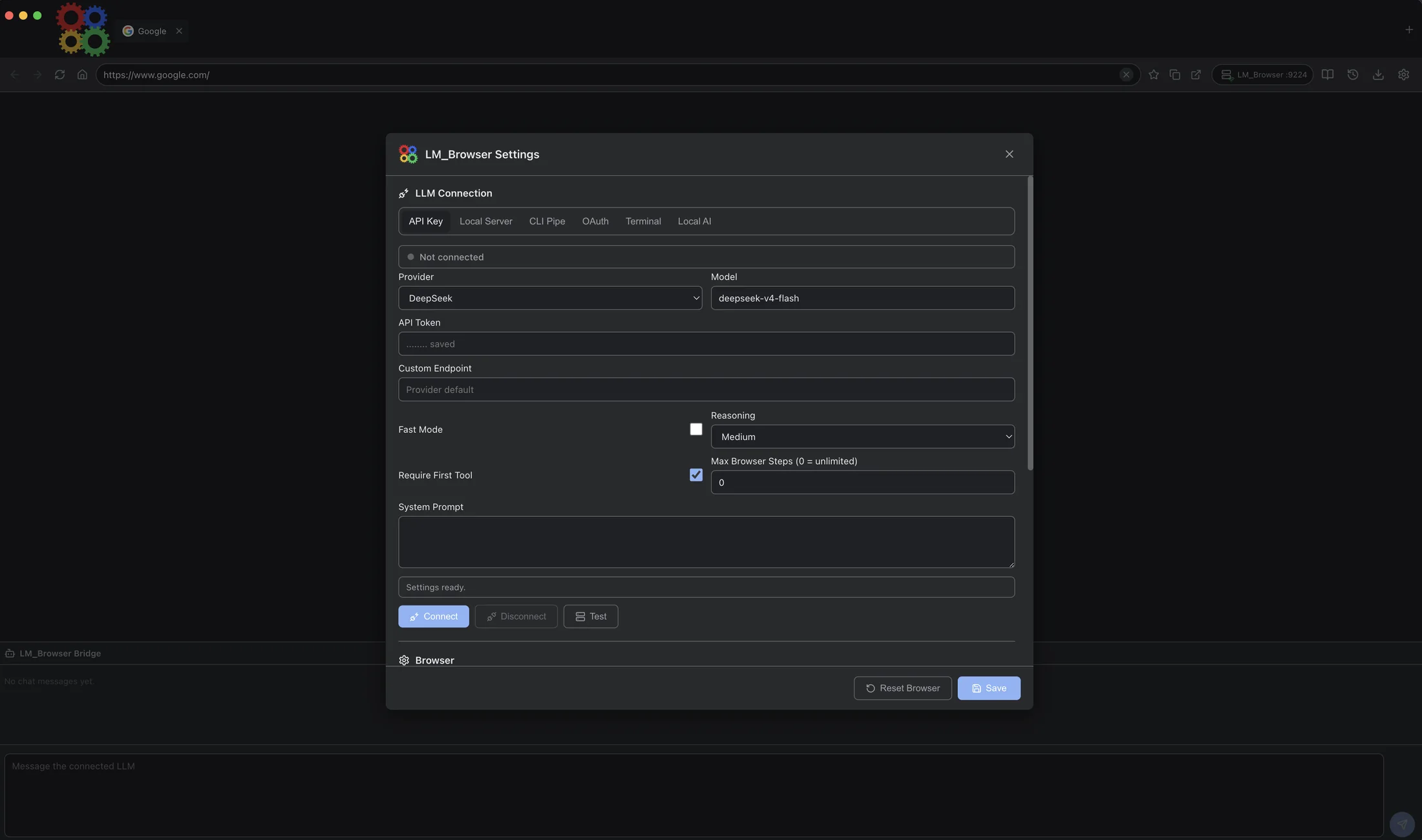
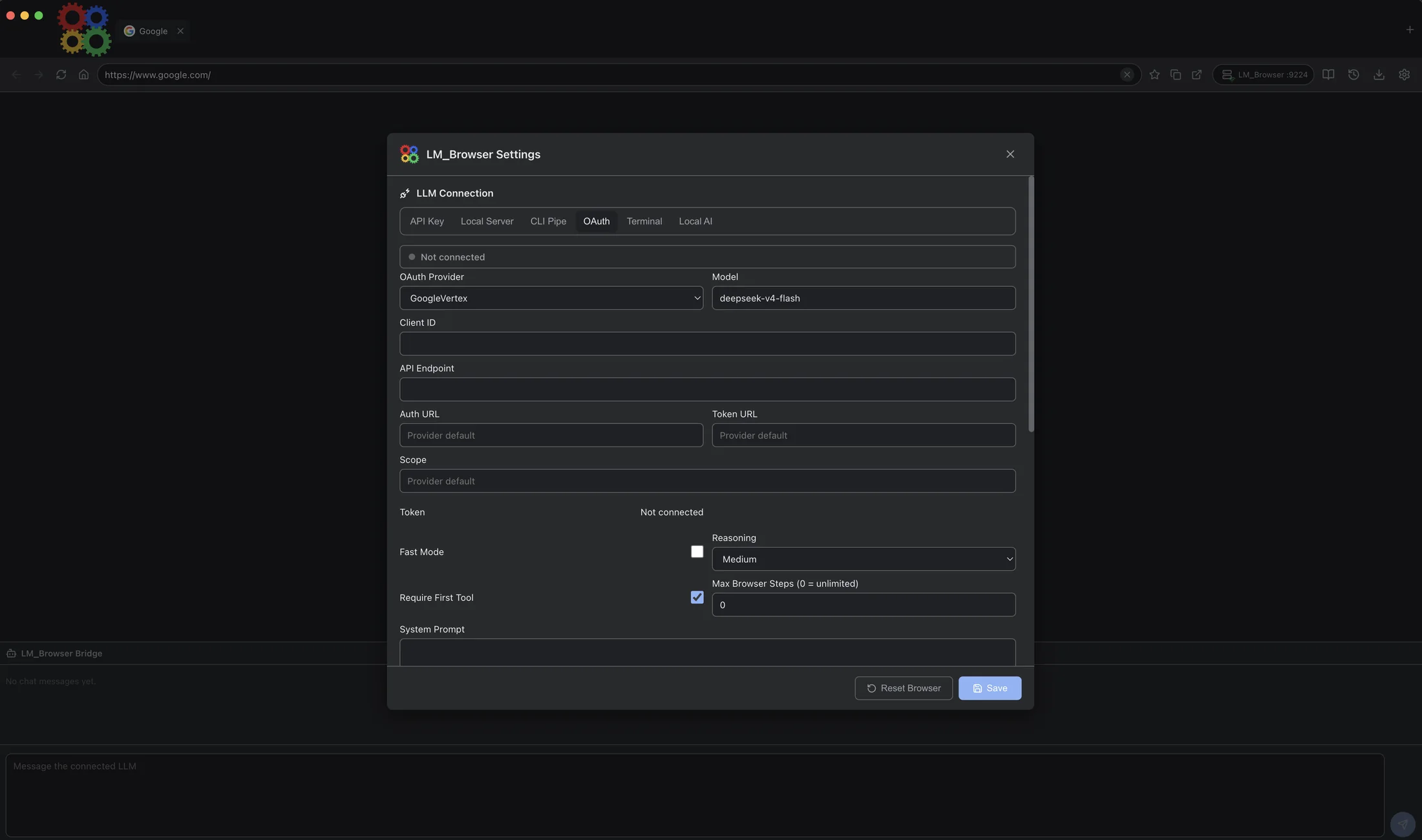
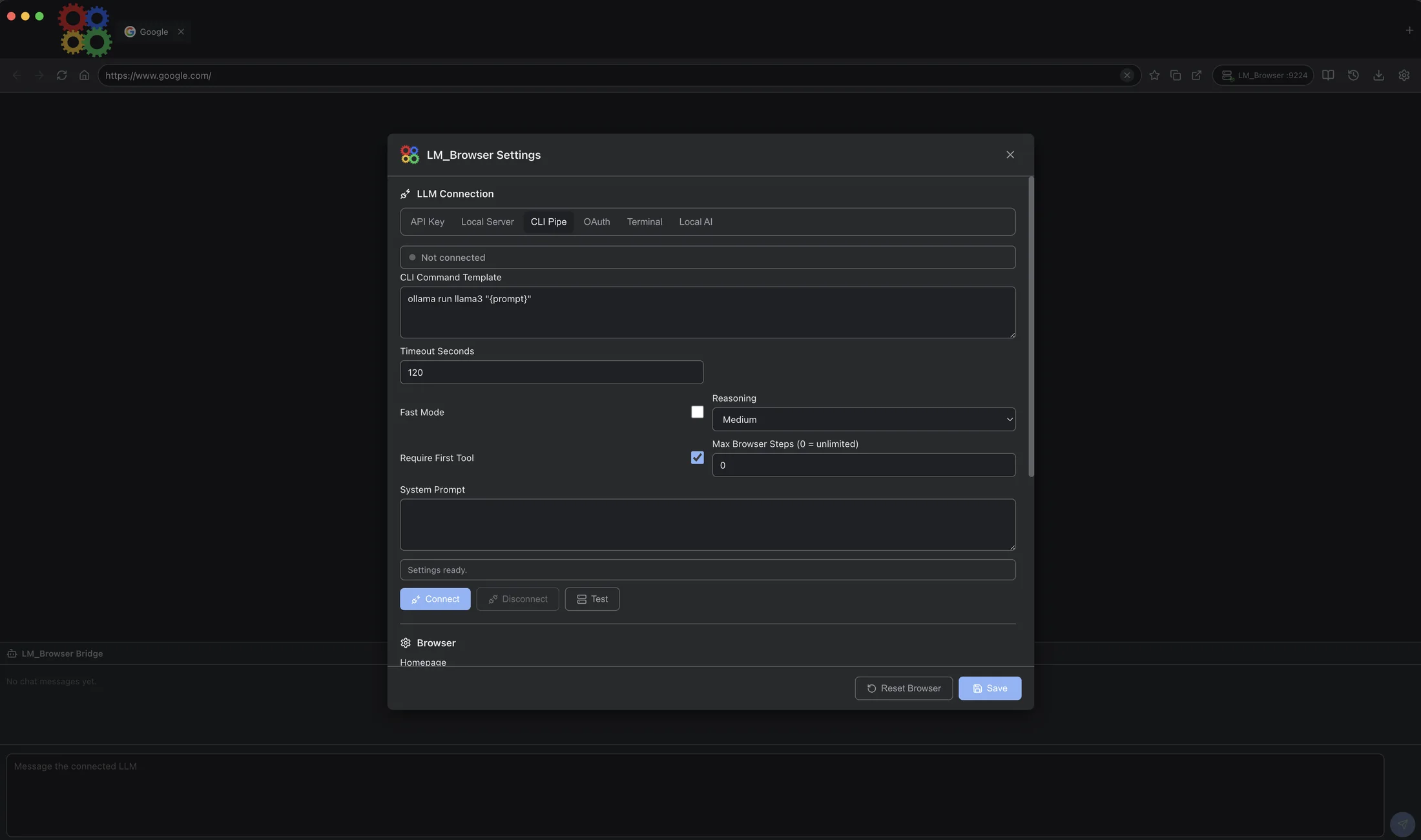
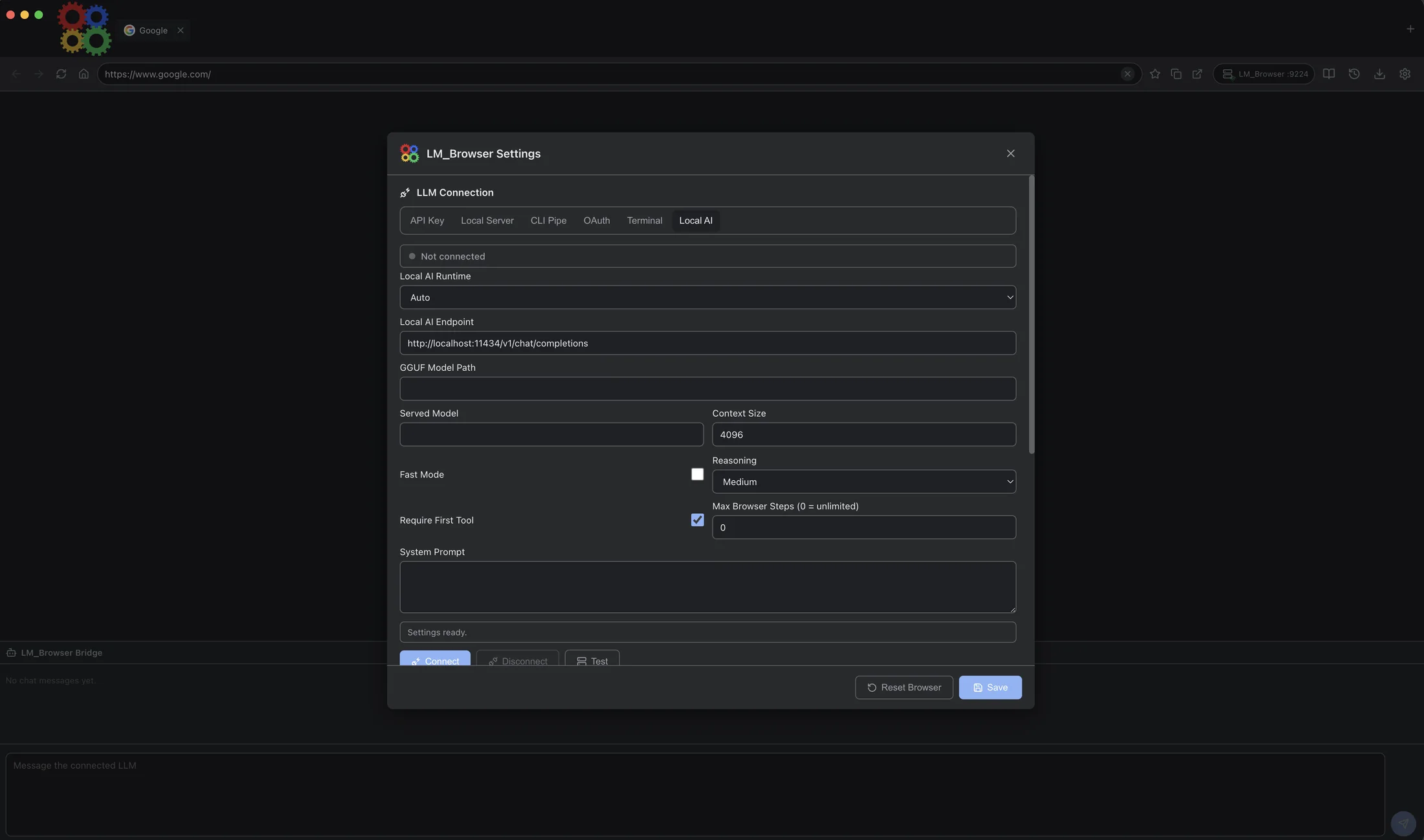
LLM Browser can connect to cloud APIs, local servers, CLI commands, OAuth providers, Terminal templates, or local AI workflows.
API Key
OpenAI-compatible providers with model, reasoning, token, endpoint, and system-prompt controls.
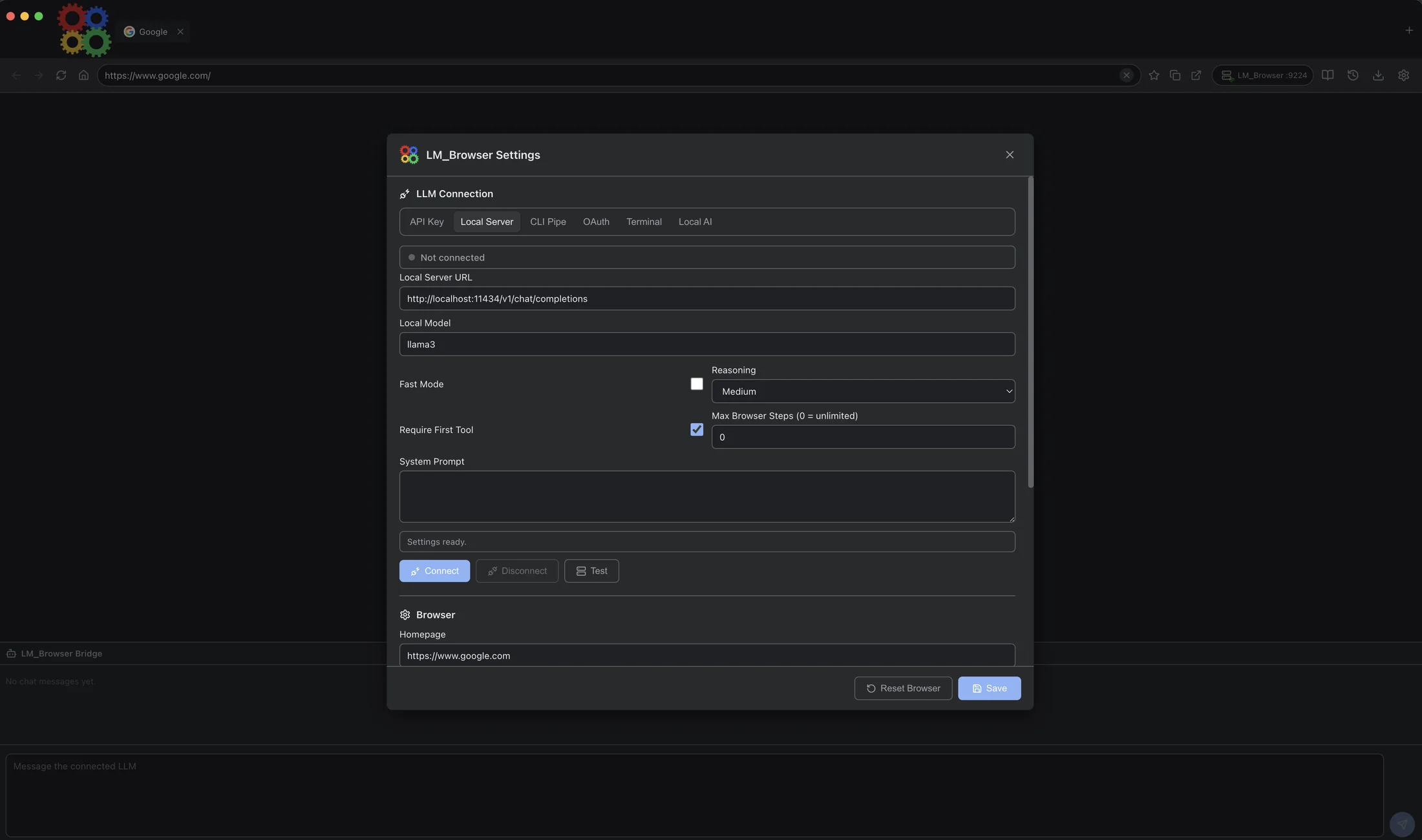
Local Server
Point the browser at local OpenAI-compatible endpoints such as Ollama, LM Studio, llama.cpp, or vLLM.
CLI Pipe and Terminal
Pipe prompts through local command-line or terminal templates when the toolchain already lives on your machine.
OAuth and Local AI
Route through OAuth providers or local AI setup paths when credentials or model files need a different flow.
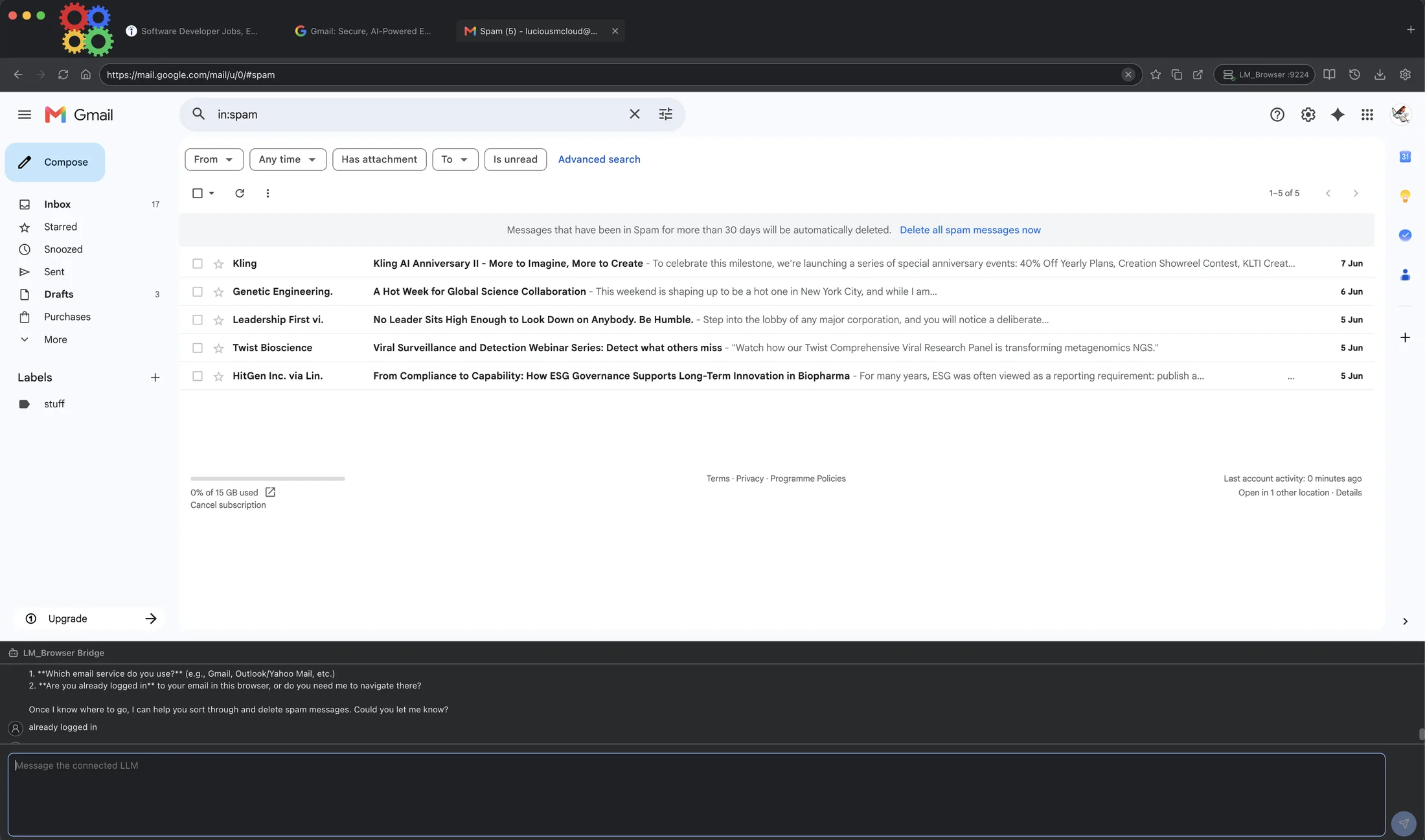
Latest screenshots
Every current LLM Browser screenshot.
The full media set shows the browser shell, settings routes, compact bridge states, and real browser-agent sessions.


Software subscription
Subscribe for access to LLM Browser and every listed MultiAgentAI product.
LLM Browser is part of the MultiAgentAI software subscription. Subscribers receive download links by email as products become ready.
LLM Browser$10/moYour subscription covers LLM Browser plus every listed software product as it launches.